
Code Previewer
view local code files — right in your browser


free · fully offline · no data collected

Everything a code viewer should have
// and nothing it shouldn't · v1.13.1
highlight.py
Syntax highlighting for 25+ languages with VS Code-grade colors. Unknown files fall back to clean plain text.
folder/
Folder view — open a directory and browse it as a grid, with language badges, filter, sort, breadcrumbs and keyboard navigation.
compare.diff
Compare mode — side-by-side diff of any two files, additions green, removals red, per-pane word wrap.
preview.md
Markdown preview — split, preview-only or source-only, with syntax-highlighted code blocks and a draggable divider.
flow.mmd
Mermaid diagrams — .mmd files and mermaid blocks inside Markdown render as real diagrams, in your theme.
themes.json
4 themes — Light, One Dark, GitHub Light, Dracula. One click cycles, your pick persists.
search.rs
Search & folding — Ctrl+F with regex and match case, code folding, line numbers.
offline.lock
100% offline — zero network calls, zero telemetry. Your files never leave your machine.
See it running
// real screenshots, real files
file:///C:/samples/showcase.py
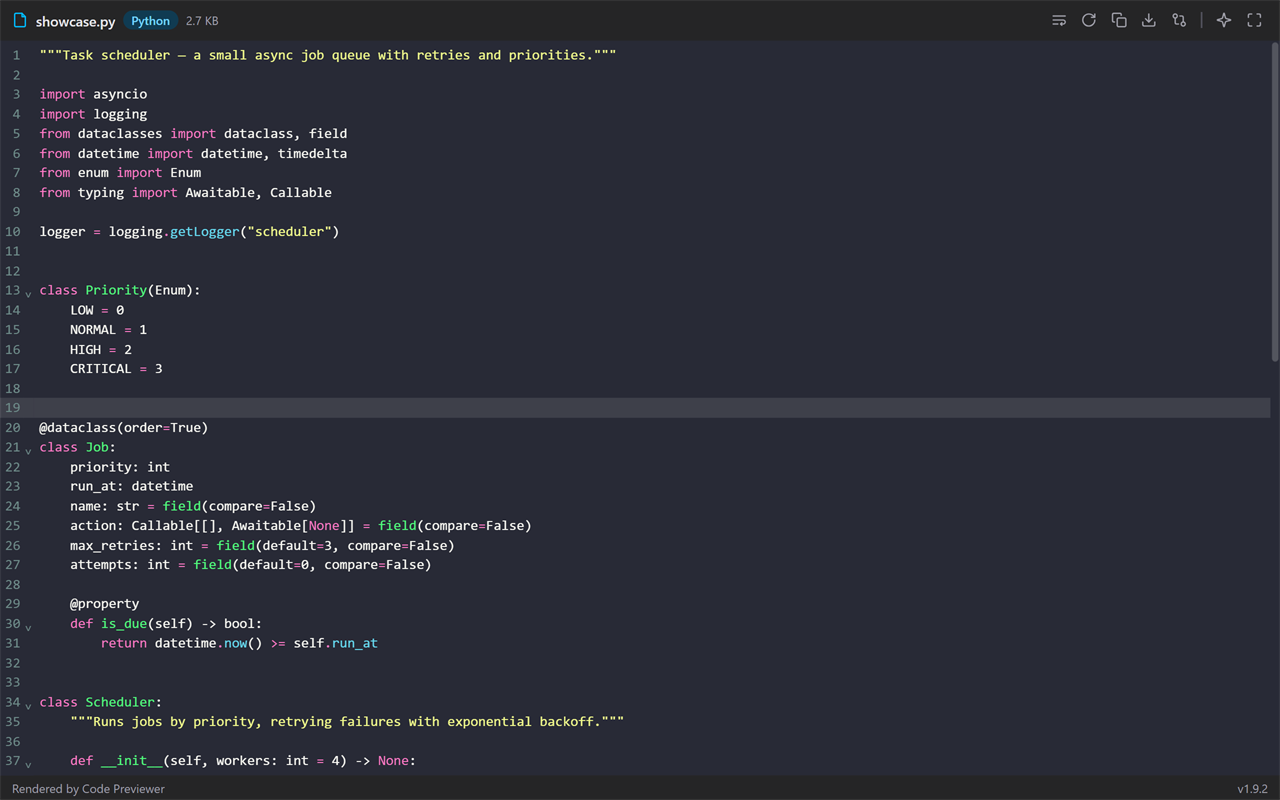
file:///C:/samples/ — folder view
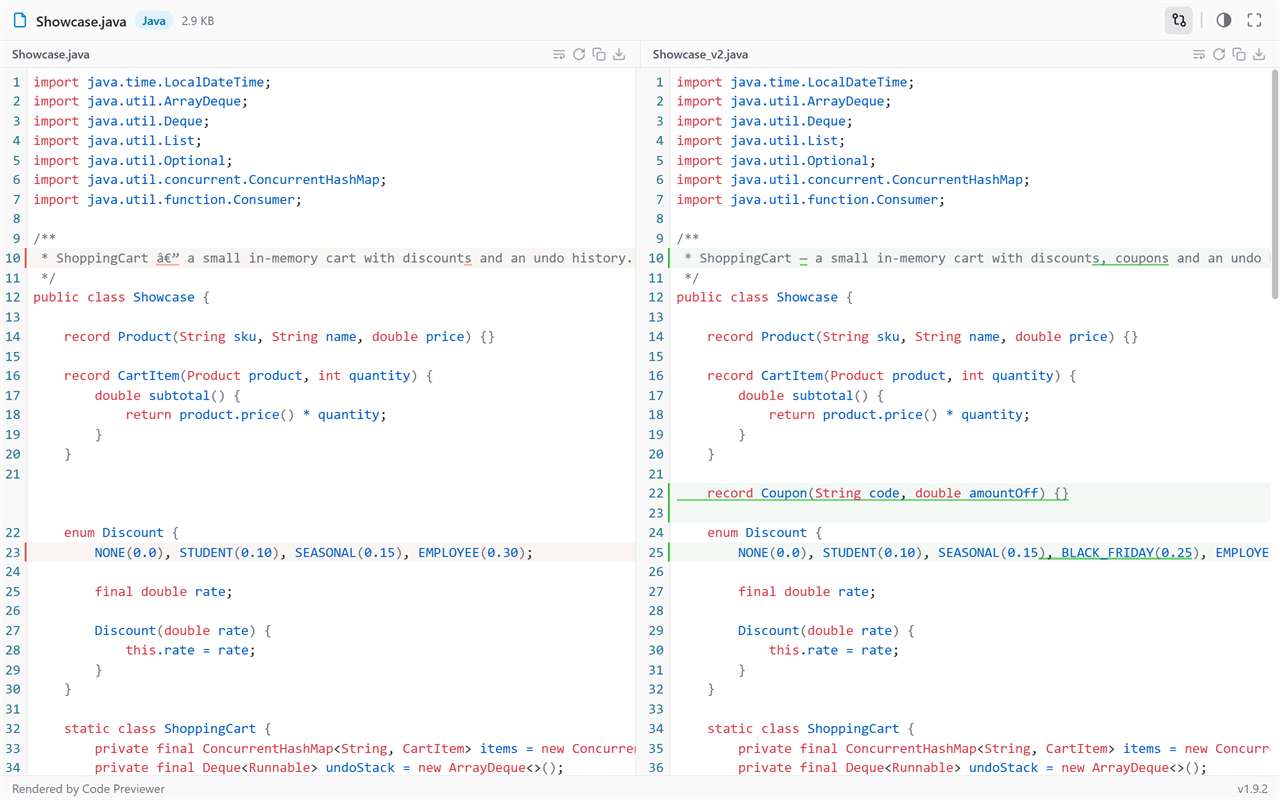
compare: Showcase.java ↔ Showcase_v2.java
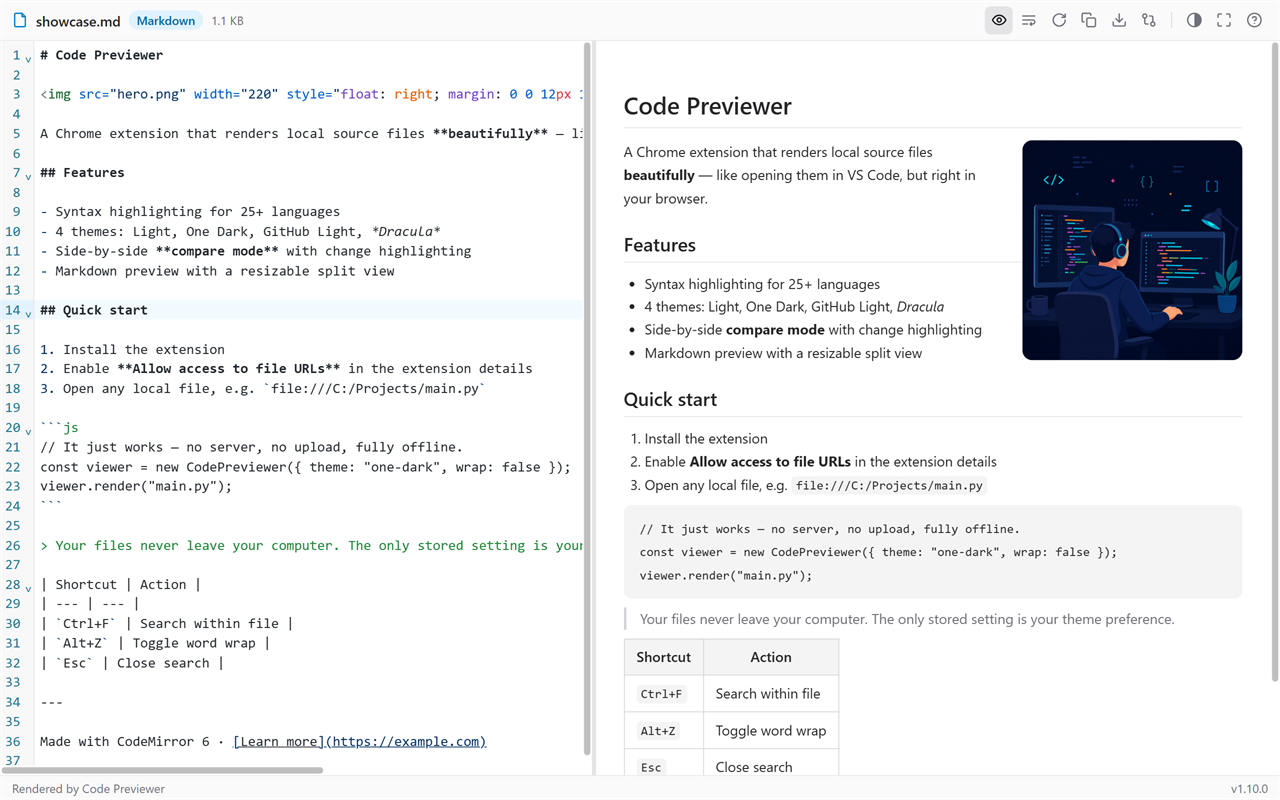
file:///C:/samples/diagrams.md

file:///C:/samples/flow.mmd
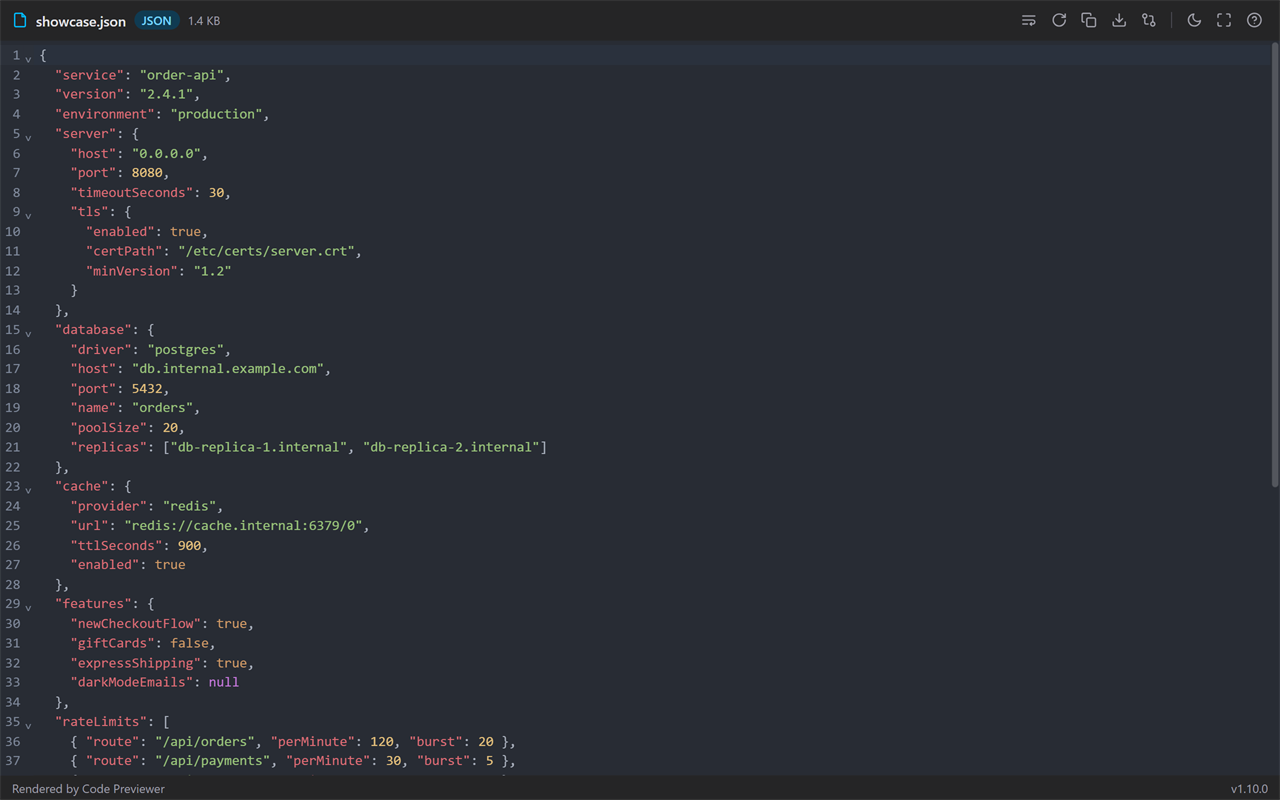
Install in under a minute
// one-time setup, then it just works
bash — install
Your code stays yours
// privacy.diff
privacy.diff
+ everything runs locally in your browser
+ only stored setting: your theme preference
- analytics - telemetry - network requests - accounts